
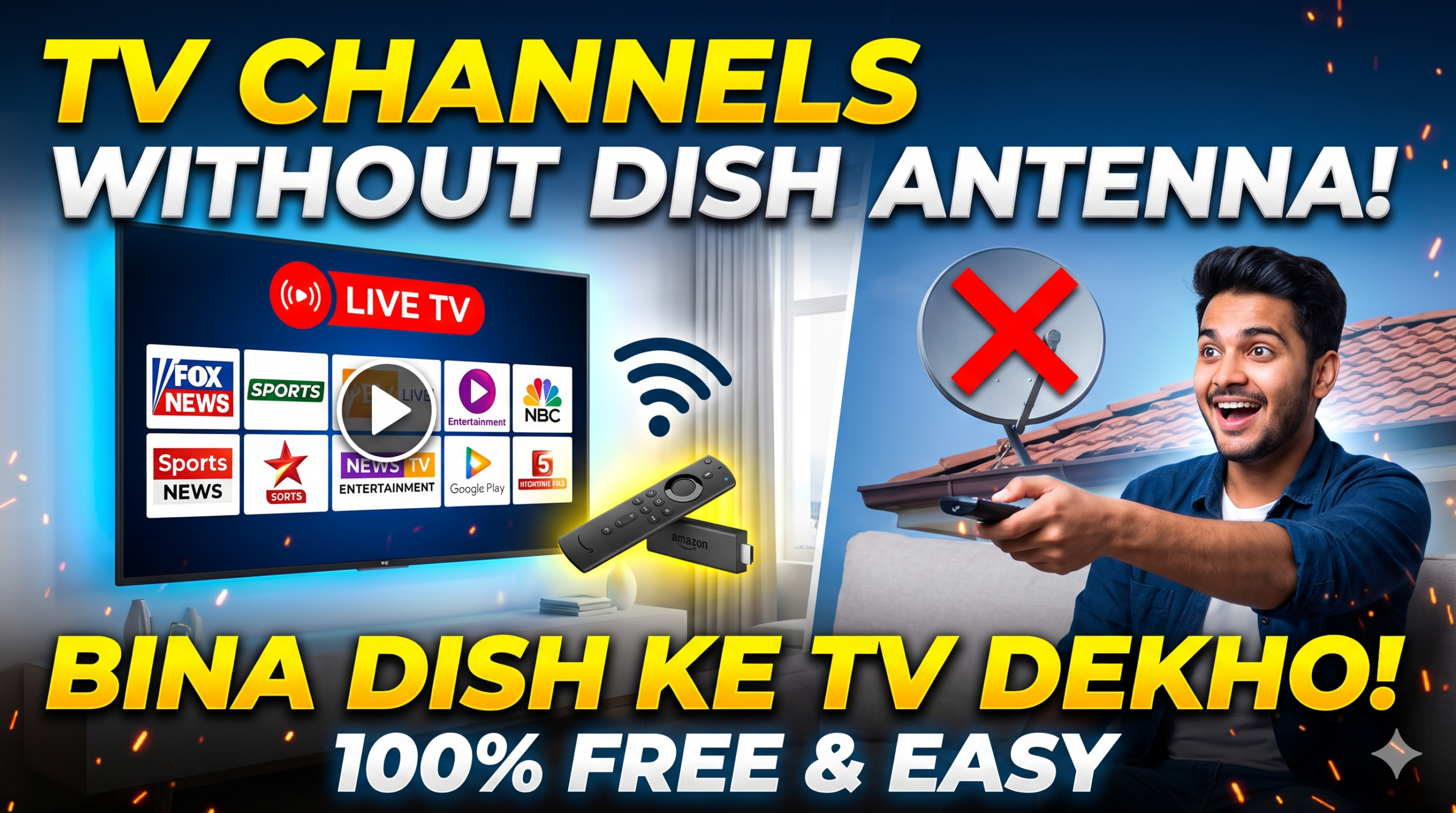
Bina kisi dish antenna ya chhat par chhatri lagaye TV channels dekhna aajkal internet ke zariye kaafi aasan ho gaya hai. Aapke paas bas ek stable internet connection (Wi-Fi ya mobile hotspot) aur ek display device (Smart TV, phone ya TV stick) hona chahiye.
Yahan 4 sabse aasan aur popular tareeqe diye gaye hain:
1. Smart TV ya Streaming Sticks (Fire TV Stick / Android Box)
Agar aapke paas Smart TV nahi hai, to aap kisi bhi normal LED TV ke HDMI port me streaming device laga kar use Smart TV bana sakte hain:
- Amazon Fire TV Stick ya Google TV Stick / Android Box.

- Inhe TV me lagane ke baad Wi-Fi se connect karein aur Play Store se live TV apps download karein.
2. Live TV & OTT Apps (Free aur Paid)
Alag-alag channels dekhne ke liye direct unke apps install kiye ja sakte hain:
- JioCinema / JioHotstar: Sports, news aur generic Hindi entertainment channels ke live streams ke liye.
- SonyLIV: Sony TV, SAB TV, Sony Max aur live sports channels ke live broadcast ke liye.
- Zee5: Zee TV, Zee Cinema aur regional channels live dekhne ke liye.
- News & Free Channels: Zyadatar news channels (Aaj Tak, ABP News, NDTV, India TV) ke apne apps par live streaming bilkul free hoti hai.
3. YouTube (News, Devotional aur Free Channels)
YouTube par almost har bada national aur regional news channel 24/7 bina kisi subscription ke live stream karta hai. Sath hi kai regional entertainment aur devotional channels bhi YouTube par directly accessible hote hain.
4. Smart TV ke Built-in Free Channels (FAST Channels)
Naye models me companies ke apne free internet channel hubs hote hain:
- Samsung TV Plus (Samsung TVs me)
- Xiaomi PatchWall (Mi/Redmi TVs me)
- LG Channels (LG webOS TVs me)
Inme bina kisi cable ya dish ke direct internet se 50+ se zyada live channels stream hote hain.
Setup Karne Ke 3 Simple Steps
- Internet Connect Karein: TV settings me jaakar Wi-Fi connect karein (kam se kam 10-15 Mbps speed stream ke liye best rehti hai).
- App Store Kholein: Google Play Store ya Amazon Appstore me jayein.
- App Search aur Install Karein: Apne manpasand broadcaster ka app (jaise JioCinema, SonyLIV, Zee5 ya YouTube) install karein aur “Live TV” tab me jaakar channel play karein.
Watching TV channels without a dish antenna or rooftop wiring relies entirely on your home internet connection (Wi-Fi or mobile hotspot) paired with a smart device.
Primary Ways to Watch
1. Smart TV or Streaming Device
If your TV does not have internet apps built in, plug a streaming stick into its HDMI port to convert it into a smart streaming platform:
- Hardware: Amazon Fire TV Stick, Xiaomi TV Stick, or an Android/Google TV Box.
- Connection: Plug the device into the HDMI port, connect the power adapter, and link it to your Wi-Fi network.
2. Broadcaster & OTT Apps
Most traditional satellite television networks offer their linear broadcasts inside dedicated streaming applications:
- Free & Ad-Supported Channels: Dedicated news apps (e.g., Aaj Tak, ABP News, NDTV, India Today) offer 24/7 free live streaming without mandatory subscriptions.
- Network Apps: Services like JioCinema/Hotstar, SonyLIV, and Zee5 feature dedicated Live TV tabs that stream their mainline entertainment, movie, and sports channels directly.
3. Free Ad-Supported TV (FAST Channels)
Most modern smart TV platforms include native internet-based television hubs out of the box:
- Samsung TV Plus (on Samsung smart TVs)
- Xiaomi PatchWall (on Mi/Redmi TVs)
- LG Channels (on LG webOS TVs)
- Google TV Free Channels (built into Google TV interfaces)
These platforms provide over 50–100 live news, music, regional, and entertainment channels running directly over Wi-Fi without any dish hardware or subscriptions.
4. YouTube Live Streams
Virtually all national and regional news broadcasters, religious/devotional networks, and independent media houses maintain official 24/7 live feeds on YouTube.
Step-by-Step Setup
- Check Internet Speed: A stable connection with at least 10–15 Mbps is recommended for smooth HD streaming without buffering.
- Access App Store: Open the Google Play Store, Fire TV Appstore, or your Smart TV’s native app market.
- Install & Launch: Download your preferred app (e.g., SonyLIV, Zee5, YouTube, or individual news apps).
- Select Live Section: Open the app and navigate to the Live TV or Channels menu to begin watching.
Leave a Reply