
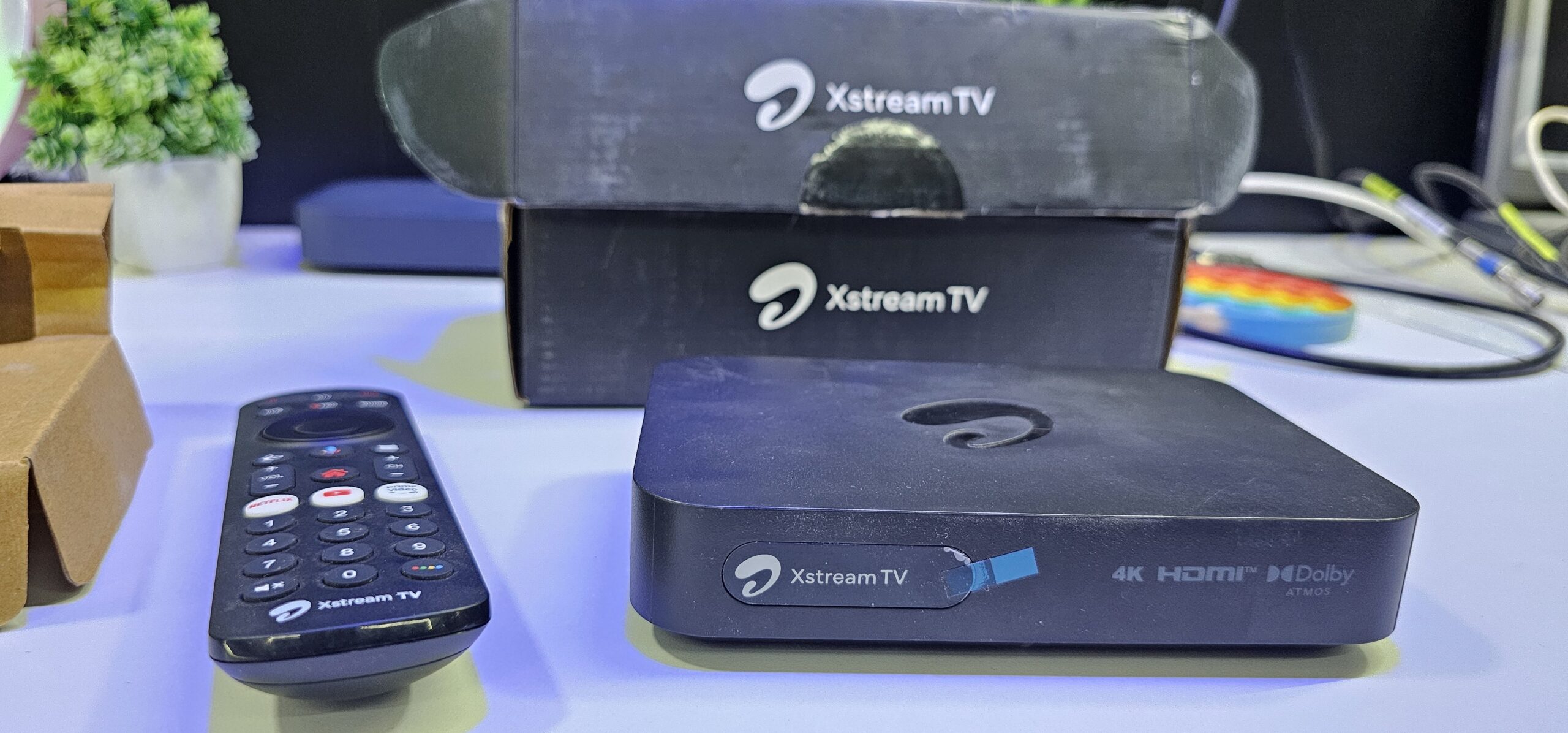
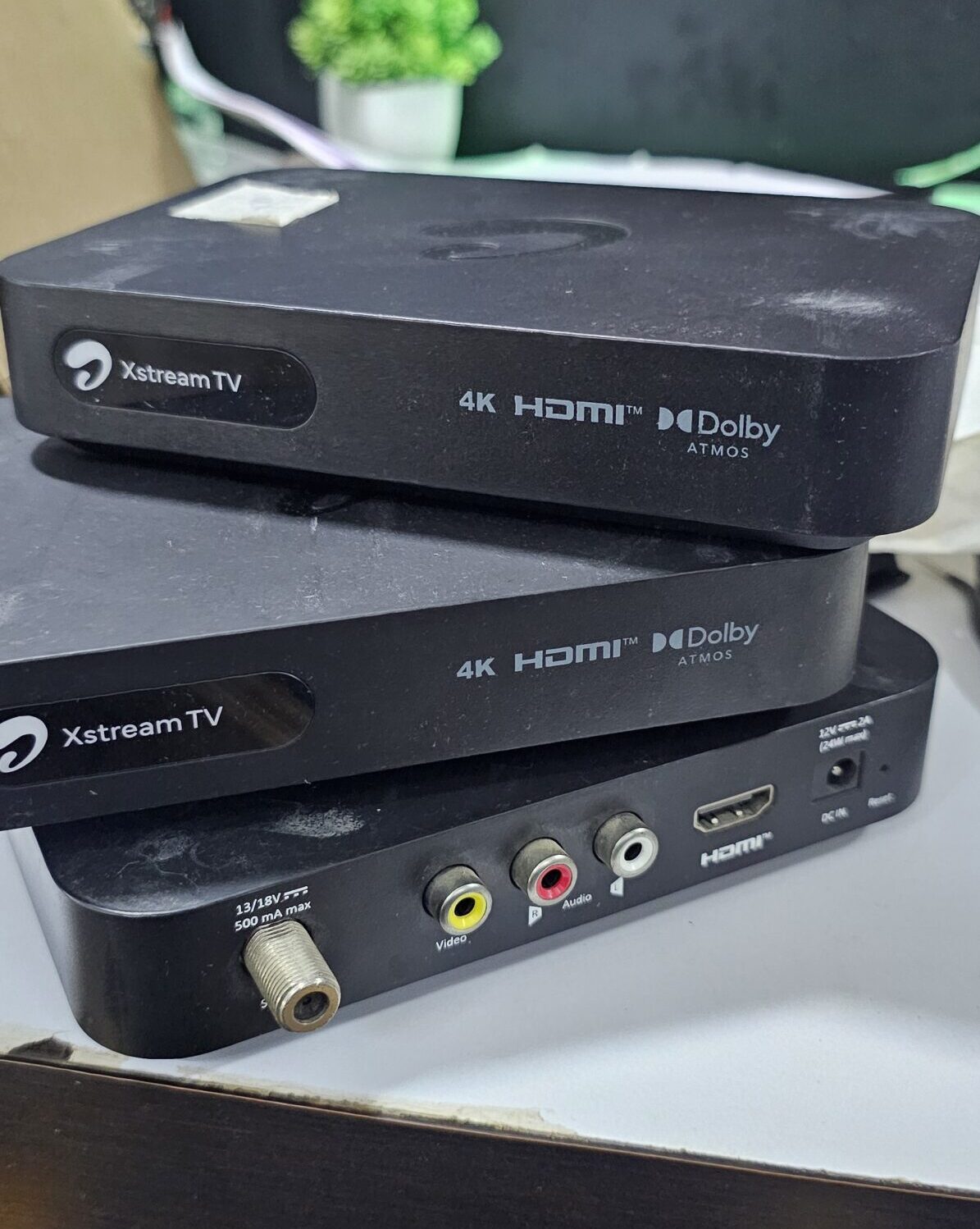
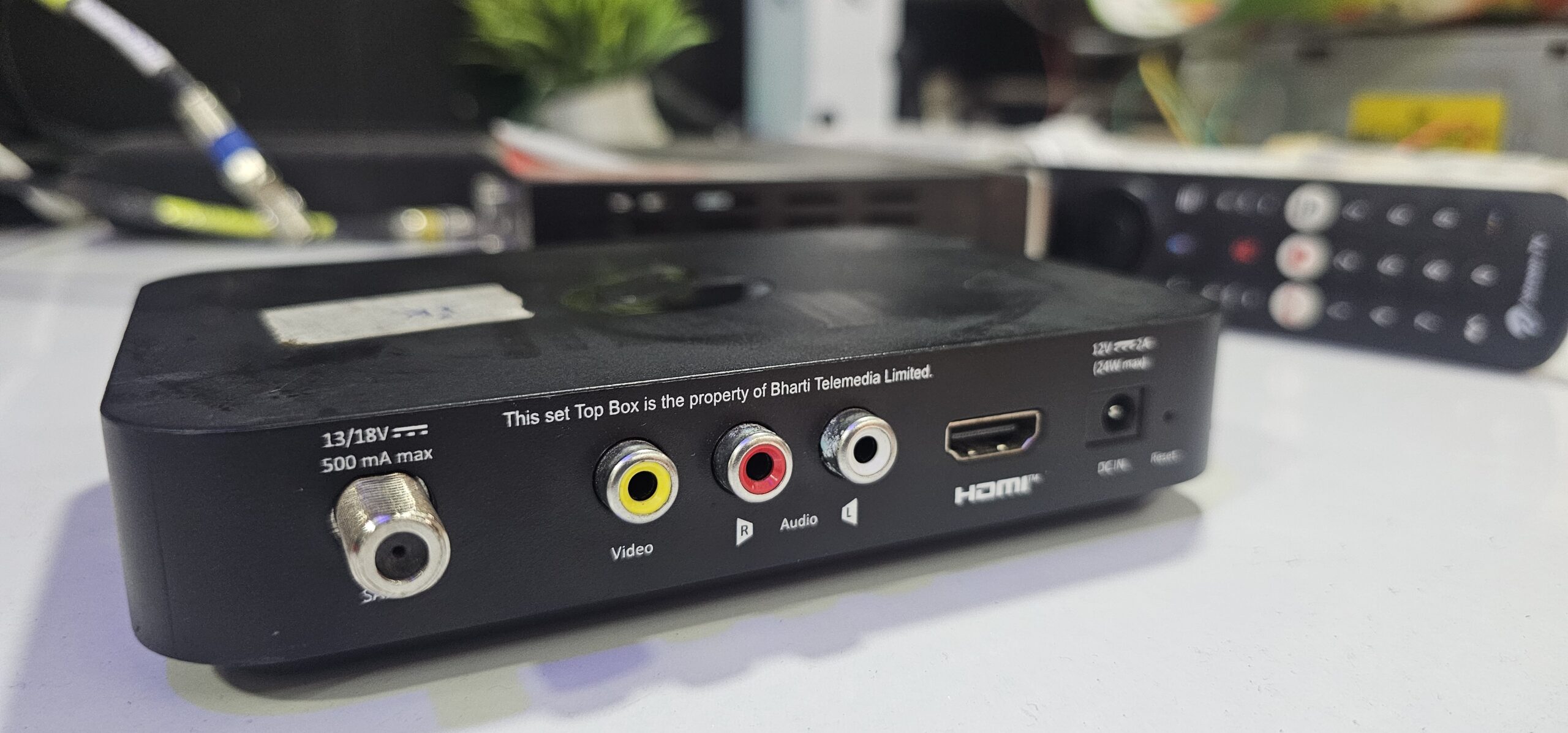
Description
Airtel Xstream 4K Android Box with DD Free Dish Support: Setup, Channels & Complete Review
If you are looking for an all-in-one entertainment setup that combines the freedom of free-to-air satellite television with the smart capabilities of Android TV, using the Airtel Xstream 4K Android Box alongside DD Free Dish is one of the most cost-effective solutions available today.
In this guide, we break down the hardware specifications, how the hybrid satellite configuration works, steps to tune free-to-air channels, and practical troubleshooting tips to get optimal signal reception.
Technical Specifications Overview
Key Advantages of the Hybrid 4K Setup
-
Zero Monthly Subscription for FTA Channels: Receive 300+ free TV and Radio channels broadcast via GSAT-15 (93.5° East) directly through the DVB-S2 tuner.
-
Smart TV Transformation: Access streaming platforms such as YouTube, Disney+ Hotstar, SonyLIV, Zee5, and Prime Video without switching HDMI inputs.
-
Single Remote Convenience: Switch between live satellite broadcast channels and streaming OTT applications seamlessly using a single Bluetooth remote.
-
Chromecast & USB Media Playback: Cast mobile screens directly or connect an external hard drive/USB stick to play local 4K media files.
Dish Alignment & Satellite Configuration
To capture DD Free Dish signals on the Airtel Xstream Box, align your outdoor dish antenna with the following satellite parameters:
-
Satellite: GSAT-15 / NSS 6
-
Orbital Position: 93.5° East
-
LNB Type: Universal Ku-Band (09750 – 10600 MHz)
-
LNB Skew Angle: Approximately -15° to -25° (varies by geographic location)
-
Primary Test Transponder (TP):
-
Frequency: 11090 MHz
-
Polarity: Vertical (V)
-
Symbol Rate: 29500 kS/s
-
Step-by-Step Channel Scan Setup
-
Connect the RF Cable: Plug your outdoor dish coaxial cable directly into the LNB IN port on the rear panel of the box.
-
Access Satellite Settings: Go to Settings > System Settings > Channel Setup / Satellite Installation.
-
Select Satellite: Choose GSAT-15 (93.5°E) or configure a custom User Satellite profile.
-
Enter LNB Settings: Set the LNB frequency to
Universal (9750 - 10600). -
Verify Signal Strength & Quality: Confirm that Signal Strength is above 80% and Signal Quality reaches at least 65–70% for stable playback.
-
Execute Auto/Blind Scan: Select FTA Only (Free-to-Air) to skip encrypted paid channels, then initiate the search. Save the found channel list once completed.
Common Issues & Troubleshooting
-
No Signal / Weak Signal Warning: Check for loose RF F-connectors, water damage inside the cable, or slight physical shifts in the dish antenna alignment.
-
Missing Specific Transponder Channels: Manually input the active TP frequency, toggle 22KHz tone settings, and run a manual TP scan.
-
Audio-Video Sync Delay on 4K: Ensure HDMI output settings are set to Auto / Pass-through and clear cached app data under Android TV App Settings.
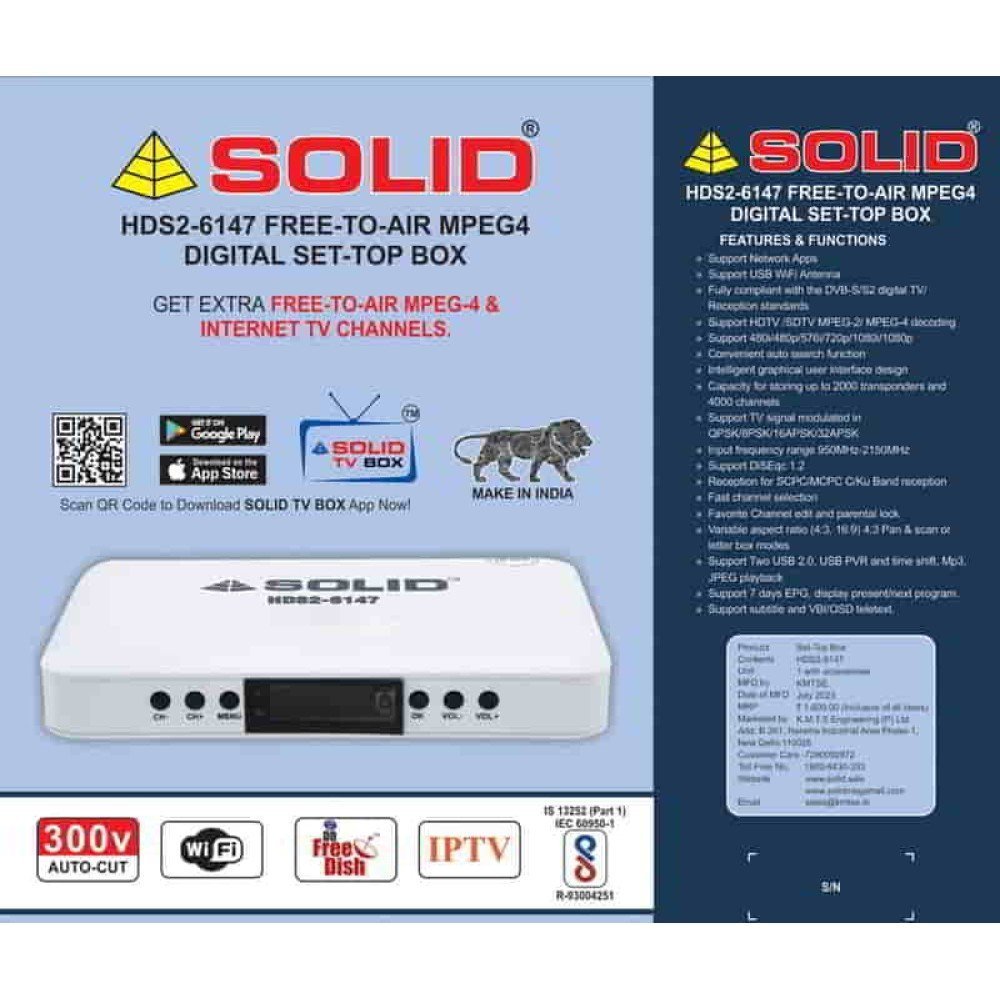
Reviews
There are no reviews yet.