
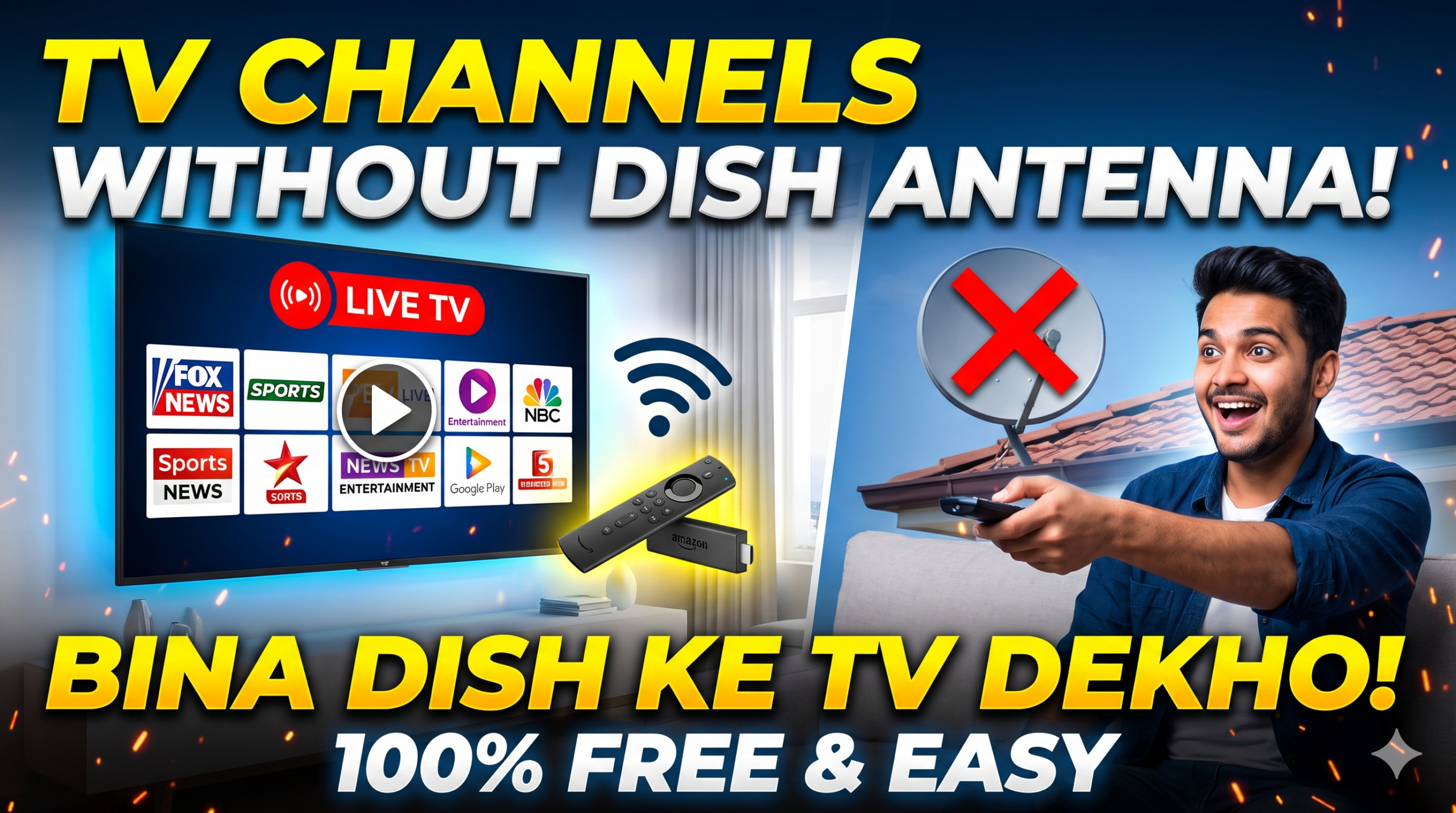
Watching TV channels without a dish antenna or rooftop wiring relies entirely on your home internet connection (Wi-Fi or mobile hotspot) paired with a smart device.
Primary Ways to Watch
1. Smart TV or Streaming Device
If your TV does not have internet apps built in, plug a streaming stick into its HDMI port to convert it into a smart streaming platform:
- Hardware: Amazon Fire TV Stick, Xiaomi TV Stick, or an Android/Google TV Box.
- Connection: Plug the device into the HDMI port, connect the power adapter, and link it to your Wi-Fi network.
2. Broadcaster & OTT Apps
Most traditional satellite television networks offer their linear broadcasts inside dedicated streaming applications:
- Free & Ad-Supported Channels: Dedicated news apps (e.g., Aaj Tak, ABP News, NDTV, India Today) offer 24/7 free live streaming without mandatory subscriptions.
- Network Apps: Services like JioCinema/Hotstar, SonyLIV, and Zee5 feature dedicated Live TV tabs that stream their mainline entertainment, movie, and sports channels directly.
3. Free Ad-Supported TV (FAST Channels)
Most modern smart TV platforms include native internet-based television hubs out of the box:
- Samsung TV Plus (on Samsung smart TVs)
- Xiaomi PatchWall (on Mi/Redmi TVs)
- LG Channels (on LG webOS TVs)
- Google TV Free Channels (built into Google TV interfaces)
These platforms provide over 50–100 live news, music, regional, and entertainment channels running directly over Wi-Fi without any dish hardware or subscriptions.
4. YouTube Live Streams
Virtually all national and regional news broadcasters, religious/devotional networks, and independent media houses maintain official 24/7 live feeds on YouTube.
Step-by-Step Setup
- Check Internet Speed: A stable connection with at least 10–15 Mbps is recommended for smooth HD streaming without buffering.
- Access App Store: Open the Google Play Store, Fire TV App Store, or your Smart TV’s native app market.
- Install & Launch: Download your preferred app (e.g., SonyLIV, Zee5, YouTube, or individual news apps).
- Select Live Section: Open the app and navigate to the Live TV or Channels menu to begin watching.
Leave a Reply